On a computer? Scan this with your phone.
https://homegear.app/dlsite?c=badge&p=download
Add an appliance with a photo.
Snap the label and the app saves the make and model. You can edit the details afterwards.
Get help for your exact model.
Ask what to check first, what a symptom might mean, and when it's time to call a pro. The AI can be wrong, so check its advice against your manual.
Keep your home's equipment in one place.
Make, model, parts and upkeep stay on file, so you don't start from zero next time.
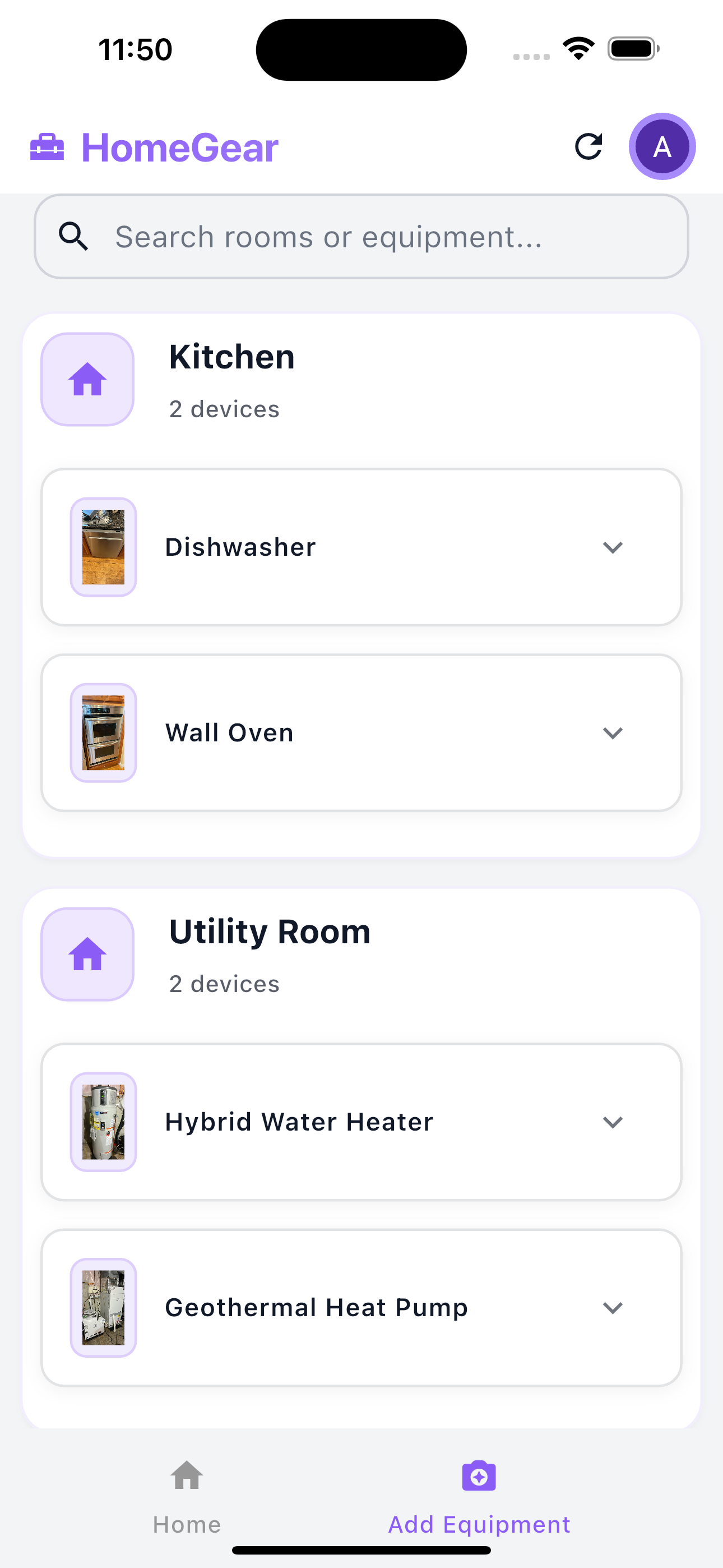
Your home's equipment in one place
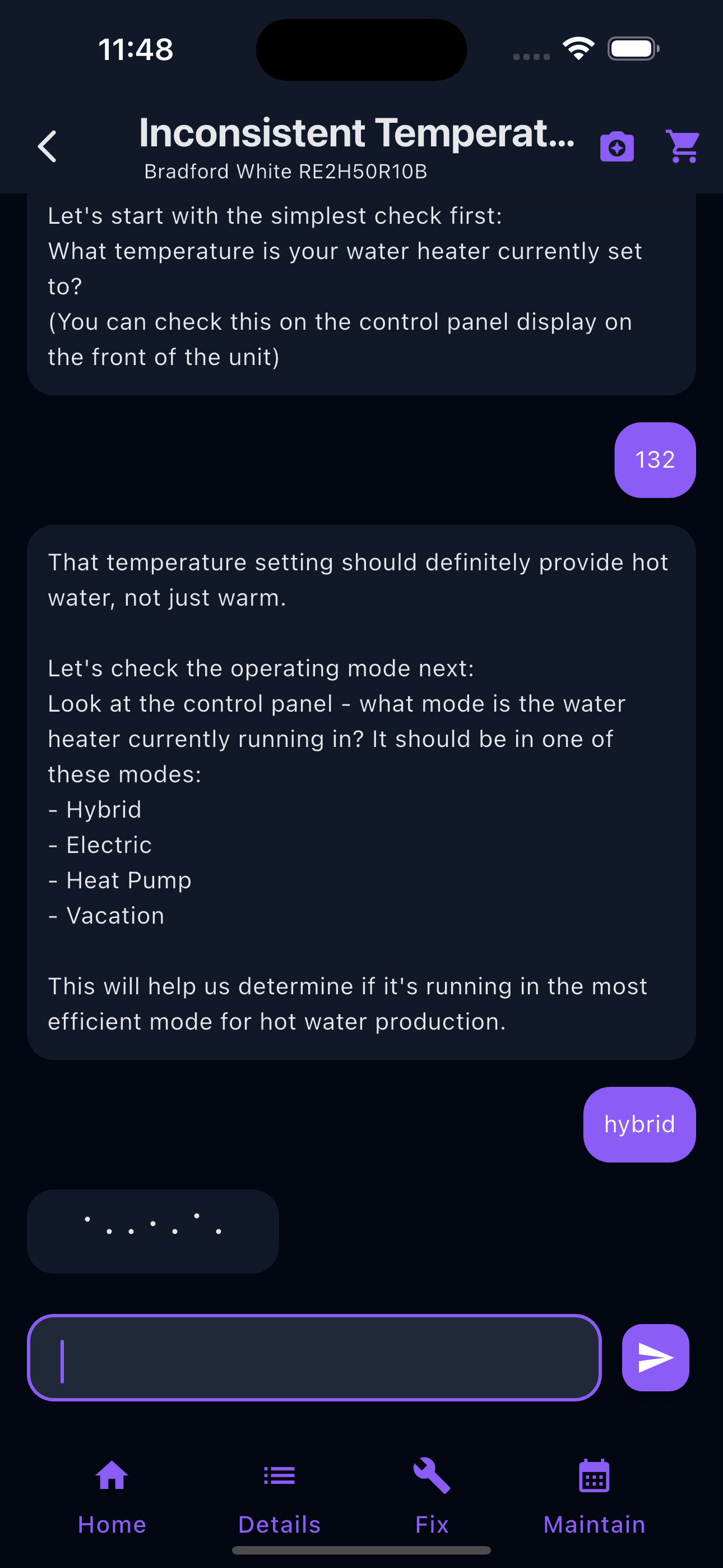
Ask about any appliance
Common questions
- Is it free?
- HomeGear AI is free to download. The app shows ads.
- What does the AI do?
- It answers questions about the appliance you saved, using its make and model, and can point you to shop links for parts. It can be wrong: check what it says against your manual, and call a licensed pro for gas and electrical work.
- What about my data?
- See our privacy policy.
- Where is it available?
- Android (Google Play) and iPhone (App Store), US first.


HomeGear AI is not affiliated with any appliance manufacturer.